
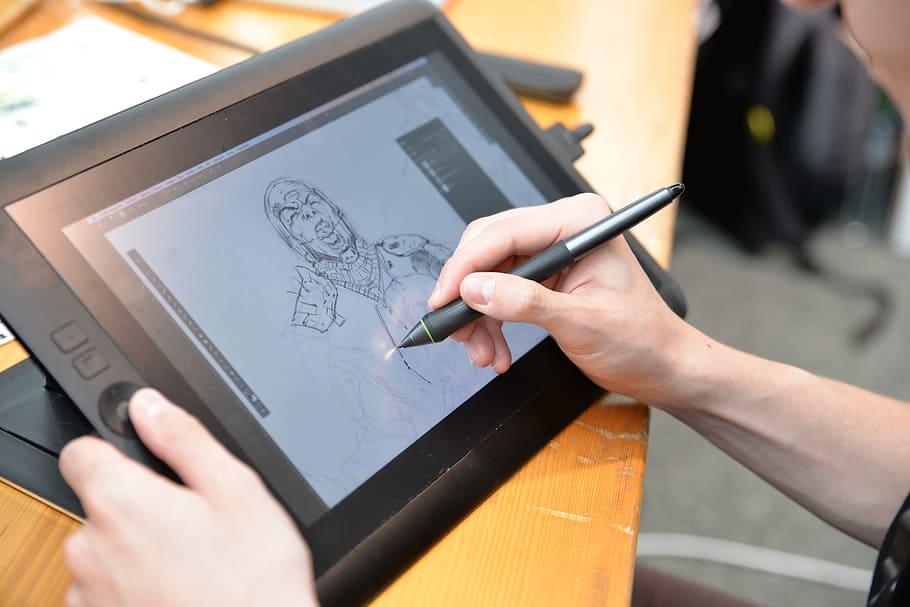

Drawing on a digital tablet is a great way to create art that feels increasingly close to pencil-and-paper, thanks to sensitive styluses and improved screen technology. If you are comparing the best drawing tablet options, it helps to know what is graphic tablet: it’s an input device that lets you draw, design, animate, take notes, or add signatures using a pen on a pad (or directly on a screen).
When choosing among best drawing tablets, consider whether you want a pen display (draw on the screen) or a pen tablet (draw on a pad connected to a monitor), plus size, portability, and comfort. For new artists, the best drawing tablet for beginners is usually a lightweight model with a simple setup, while a cheap drawing tablet can still be effective if it has good pen pressure and a workable drawing area.





Best Drawing Tablets for Beginners
If you’re comparing the best drawing tablet options in India (i.e., what is graphic tablet: a pen-based input device for digital drawing, design, and note-taking), the list below covers best drawing tablets across entry-level, mid-range, and pen-display models—including a few cheap drawing tablet picks and a solid best drawing tablet for beginners shortlist.
| Drawing tablet model (India) | Approx. price in India (₹) | Highlight |
|---|---|---|
| HUION HS64 | ₹2,175 | Cheap drawing tablet; starter-friendly |
| HUION Inspiroy H640P | ₹2,449 | Best drawing tablet for beginners; compact |
| GAOMON S620 | ₹2,198 | Budget pick for practice + note-taking |
| XP-Pen Deco 640 | ₹2,690 | Value option; small active area |
| Wacom Intuos Small (CTL-4100) | ₹3,700 | Reliable beginner choice; strong ecosystem |
| VEIKK A15 (10×6) | ₹4,299 | Larger workspace; good for long sessions |
| HUION Inspiroy RTM-500 | ₹4,150 | Portable mid-size; balanced features |
| XP-Pen Deco 01 V2/V3 | Pen display: best for learning screen drawing | Bigger active area; best “step-up” pick |
| XP-Pen Artist 12 (2nd Gen) | ₹21,490 | Pen display; best for learning screen drawing |
| HUION Kamvas 13 (Gen 3, 2.5K) | ₹25,500 | Best for serious creators; higher-res display |
Best Drawing Tablets
Apple iPad Pro (Best-In-Class)
Apple is renowned for creating top-quality products. And the iPad Pro's Apple M1 chip is no exception! Apple did not specifically create iPads with graphic design as their main objective, but they do a great job of it. There is a wireless Apple pencil (2nd generation) that connects to the iPad. However, the lag is hardly noticeable.
Additionally, pressure sensitivity and tilt detection are quite good. The iPadOS is a better, clearer operating system that makes your job easier. It has a WiFi connection, a multi-touch touchscreen, and a liquid retina XDR display. The one million iPad-only apps available on the Apple store can be found there.
Best for: Versatility and portability
Features: ProMotion technology, compatibility with Apple Pencil (2nd Gen), and industry-leading display quality.
Why Choose: Perfect for both art and general tasks, making it an all-rounder for artists.
Approx. Price: ₹1,10,000 to ₹1,30,000
Wacom Cintiq 16 (Value For Money!)
- Best for: Professionals and advanced users
- Features: 15.6-inch display with full HD resolution, 8,192 levels of pen pressure sensitivity, and an ergonomic stylus.
- Why Choose: Offers high precision and a natural drawing experience for serious artists.
- Approx. Price: ₹48,000 to ₹60,000Careers360 Design
XP-Pen Artist Pro 16 (Affordable!)
- Best for: Mid-range pen display users
- Features: 16-inch display, 8,192 pressure levels, customizable shortcut keys, and vibrant color accuracy (145% sRGB).
- Why Choose: Combines affordability with excellent performance for semi-professional artists.
- Approx. Price: ₹30,000 to ₹35,000
Learn how to be an effective digital artist with drawing classes from a qualified tutor on Superprof.
Huion Kamvas Pro 16 (2.5K) (Value For Money!)
- Best for: Mid-range professionals
- Features: 2.5K resolution, vibrant colors (100% AdobeRGB), 8,192 pressure levels, and lightweight design.
- Why Choose: Great value with a high-quality display for artists seeking professional tools.
- Approx. Price: ₹40,000 to ₹45,000
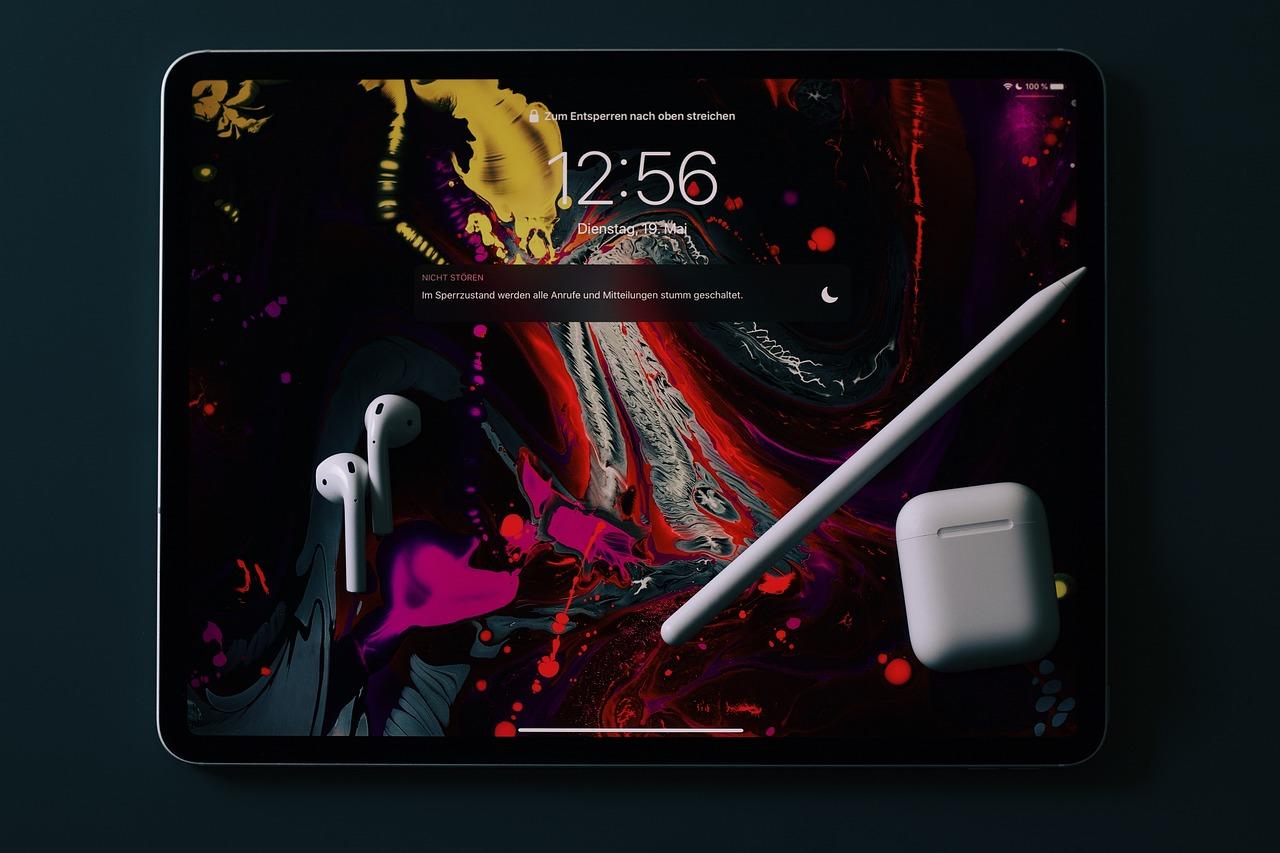
Wacom Intuos CTL-4100/K0-CX
The Wacom Intuos CTL-4100/K0-CX pen tablet comes in a convenient design. This tablet has exceptional digital tolerance and precision along with a pressure sensitivity of 8192 levels. Despite the fact that it lacks a display, you can still use it with a computer or smartphone.
This tablet can be USB-connected to your PC, provided that they work with Mac, Windows, and Android. Your output will increase as a result of the 4 customized express keys. Additionally, you'll get 3 free artistic programs that you may download right away. The digital pen uses Electro-Magnetic Resonance (EMR) technology and runs without batteries. Create after downloading the necessary drivers and frame your art for all to admire!
Samsung Galaxy Tab S8+ (Quality Purchase!)
- Best for: Android users
- Features: Large AMOLED display, S Pen with low latency, and robust performance for multitasking.
- Why Choose: Combines artistic capability with entertainment and productivity features.
- Approx. Price: ₹70,000 to ₹85,000
Become proficient in digital or physical art with drawing classes on Superprof!
Types of Tablets for Artists
The drawing tablet has grown into one of the most preferred art tools for beginners in the field. There are many different kinds of graphic tablets, each with unique features. However, it's crucial to understand that they all operate on the same basic premise. The user creates artwork on a drawing surface, which is then translated into digital form by the graphics program, which records the pressure sensitivity levels of the stylus and the pencil strokes. The graphic tablet enables you to operate more ergonomically, precisely, and effectively without the mouse, which is not particularly useful for drawing.
Graphic designers and illustrators primarily use it, but it is also used by photographers who want to retouch photos and by other professions that demand the use of a tablet to create blueprints and sketches. Even if there isn't a single "best tablet" available right now, any user may find one that suits their demands, whether they want a professional graphics tablet that is expensive or the most economical one that is most adaptable.

Drawing Tablets without Screens
The graphic tablet without a screen, consisting of a drawing area and customized styluses, is the most prevalent at the moment. Simple to use, just connect it to a laptop and set up your drawing program so that it is compatible. Then use the stylus to draw. However, there are significant differences between digital drawing and traditional drawing, so novices will need to practice for a long time to get more proficient and move more naturally.
Artist Tablets with Integrated HD Display
The most performing graphics tablets available right now are those that have built-in screens. They consist of a work surface, typically developed with an LCD, Super AMOLED, or a full-HD IPS screen, as well as an adapted pen.
They are frequently reserved for professionals, graphic designers, or skilled illustrators. These tablets have very high-quality sensitivity levels and very high-resolution touch screens. The ability to draw directly on the screen with a pen, with astonishing precision, and without having to worry about hand-eye coordination is one of these graphic devices' greatest advantages.
Hybrid Tablets
Those who want to work on their sketches on paper canvas but prefer to edit and finish their drawings on the computer, paper tablets, or "scanners," could be the right choice. Earlier, a scanner was required to retrieve artwork. Now, however, the installation of a magnetic ring, which provides tracking and tilting information to the sensors integrated into the tablet's active surface, allows the graphic designer/artist to use a sheet of paper on the drawing surface, similar to that of a tablet without a screen, and draw directly with their preferred pencil or pen.
Learn how to master different drawing software with drawing classes on Superprof.
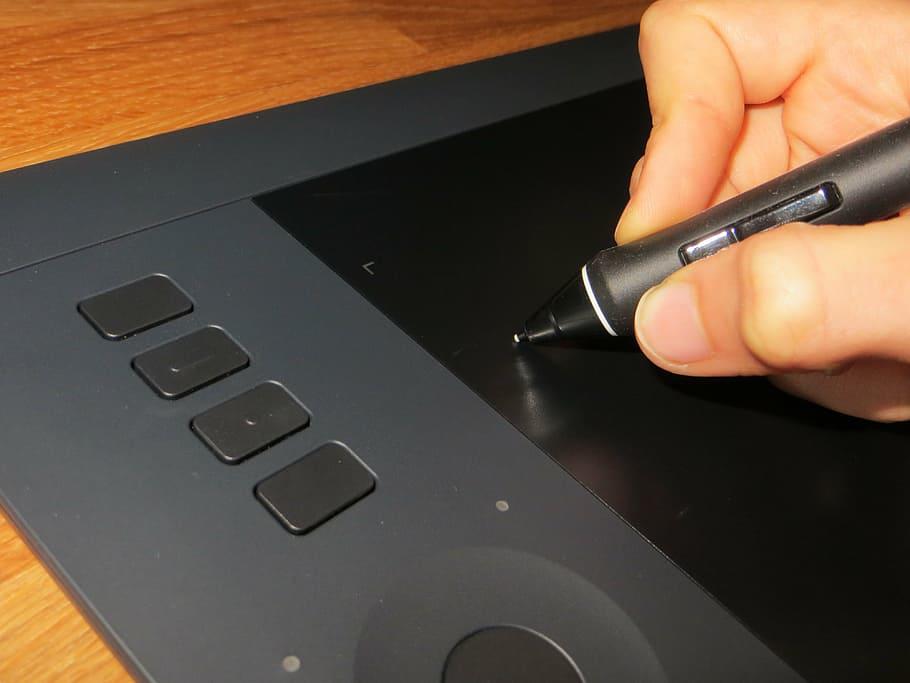
Depending on whether you are using an app for a smartphone, an Android or iOS tablet, or whether you are working with software for laptops or desktop computers, under Windows or Mac OS, the drawing is then transferred either to the device's internal memory or directly to the graphics software, thanks to the integrated Bluetooth, or via a USB cable. The benefits of utilizing this type of tablet include ease of use, as well as the ability to use it as a tablet without a screen with the appropriate pen or pencil for a little premium above entry-level screenless tablets.
Additionally, there are multiple degrees of pressure in the active area, something that tablets with displays cannot offer for the same price as midrange and high-end non-display tablets. As a result, hybrid tablets offer the best value of any tablet today for both beginners who want to start drawing digitally and seasoned designers who want a portable tablet with natural hand-eye coordination so they can draw precisely wherever they are, without having to carry around a lot of gear.
How To Choose The Best Pen Tablets for Artists
If you are looking for pen tablets, you must consider the purpose of your use. There are many digital tablets available in the market such as the Apple tablet etc, but each tablet comes with a unique feature that makes it easy to use. Your choice of the drawing tablets must depend on the following factors:
Purpose of Use
- Beginners: Look for user-friendly tablets with essential features.
- Professionals: Opt for advanced features like tilt support, customizable keys, and larger active areas.
- Specific Needs: Illustrators may need vibrant displays, while 3D artists require tablets with multi-touch capabilities. Some might need a tablet for using virtual whiteboards for teaching or for professional meetings.
2. Display vs. Non-Display Tablets
- Display Tablets: Allow direct drawing on the screen (e.g., XP-Pen Artist Series, Wacom Cintiq). Ideal for artists who want a more natural feel.
- Non-Display Tablets: Require a monitor to view the output (e.g., Wacom Intuos, XP-Pen Deco). These are more affordable and portable.
3. Active Area
- Choose a tablet with a comfortable active area for your drawing style. Larger active areas suit professionals, while compact ones are ideal for travel or tight spaces.
4. Pressure Sensitivity
- High pressure sensitivity (8192 levels) ensures better control over stroke thickness and opacity.
5. Stylus Features
- Battery-Free Stylus: Lightweight and convenient (e.g., Wacom Pro Pen 2).
- Tilt Recognition: Simulates traditional brushes for shading and calligraphy.
- Programmable Buttons: Boost efficiency with shortcuts.
6. Compatibility
- Ensure the tablet supports your operating system (Windows, macOS, or Android). Some tablets, like Huion Kamvas, even support smartphones.
7. Budget
- Affordable Options: XP-Pen Deco, Gaomon PD1161.
- Mid-Range: Huion Kamvas series.
- High-End: Wacom Cintiq, Apple iPad Pro.
8. Additional Features
- Customizable Buttons: For productivity shortcuts.
- Multi-Touch Support: Navigate, zoom, or rotate with gestures.
- Color Accuracy: For professionals working on high-fidelity digital art.
9. Brand and Support
- Reliable brands like Wacom, Huion, XP-Pen, and Gaomon offer quality and post-purchase support.
10. Reviews and Testing
- Check user reviews and ratings on platforms like Amazon, YouTube, or art forums.
- Test the tablet in stores if possible to ensure comfort and responsiveness.
Are there any other factors you consider while purchasing a drawing tablet? We would love to know your purpose and idea behind your purchase!
Summarise with AI:
Did you like this article? Leave a rating!


 Loading...
