


“The digital revolution is far more significant than the invention of writing or even of printing.” - Douglas Engelbart
According to recent studies, we’re spending more and more time in front of screens. We now spend an entire day of every week on our smartphones. Computers, TVs, and smartphones have revolutionised the way we live. So how can we get the most out of them? PHP is an easy-to-use programming language. It’s used in web development to programme web apps and code websites and has a number of useful features. Tags, hosting, resizing an image, etc., there are plenty of things you can learn to do with PHP programming. In this article, we're going to look at what PHP is, why you should use it to display images, the code you'll need to display images, and how to create and display PHP images.


What is PHP?
Before we start explaining anything, we need to understand what PHP is. PHP is a programming language that was created in 1994 by Rasmus Lerdorf and can be used to create dynamic websites. There’s no need to be a web designer, programmer, or developer to start using it. PHP is famous for just how accessible it can be after just a few hours of training. 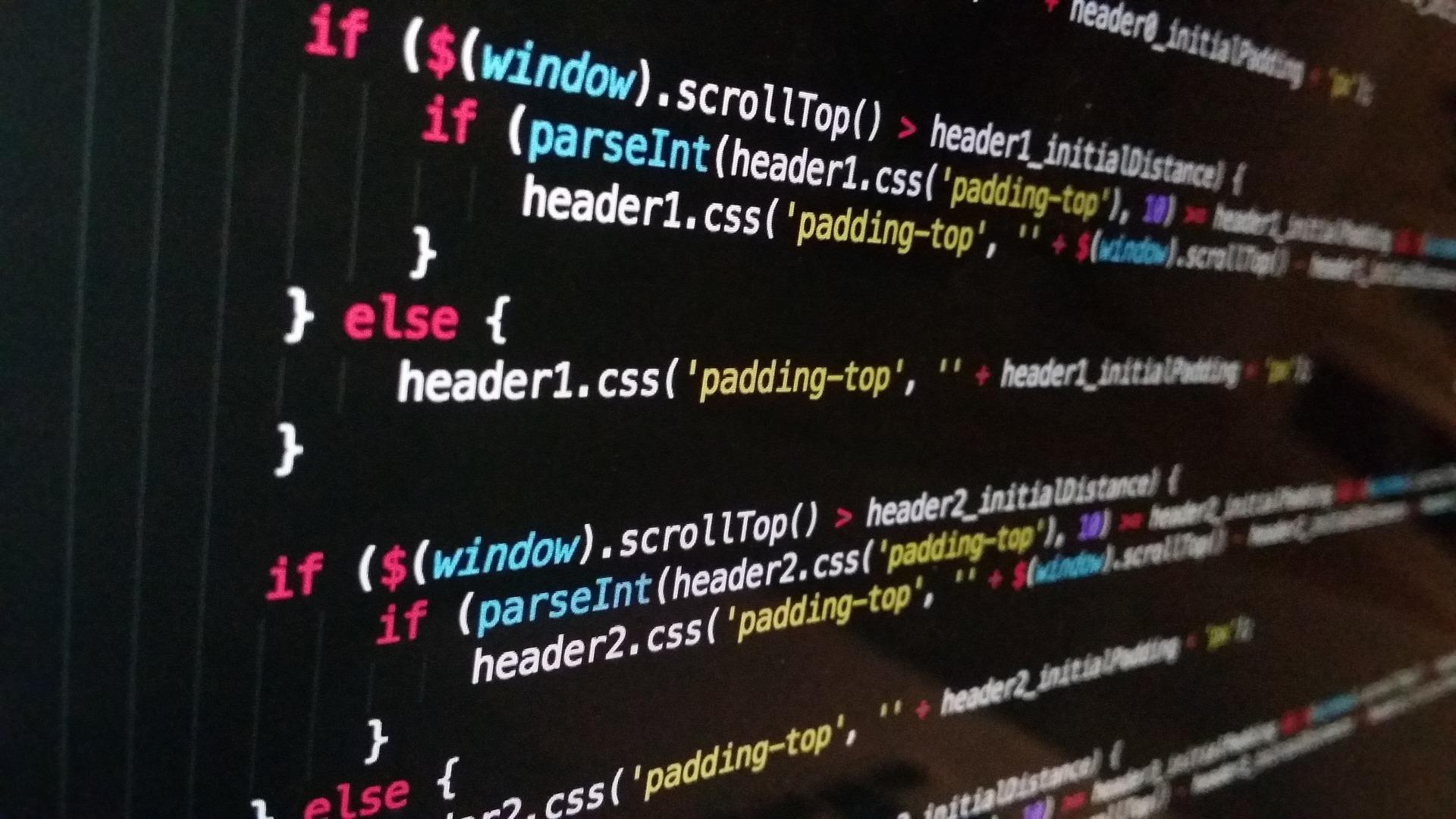
Why Display or Create a PHP Image?
PHP was just a way for its creator to see how many people were looking at his CV on his website. Bit by bit, users developed functions for this programming language. Since it was free to use, programmers had a field day! 
The Code for Adding a PHP Image
To add images to your website or project, the PHP language could be useful. This programming language isn’t just for creating web pages. You can also use it to add images to your site. 
<?php header (“Content-type: image/jpeg”); ?>
This line of code will return a .jpg image and not an HTML page. Of course, in IT, there are many different image formats. You can also use .png, for example. These are of a higher quality and better for photos. To insert a .png image, you just need to replace “jpg” with “png”.
How to Create a PHP Image
Now that you know how to insert images, you should know how to use an image and put it into PHP code. Once you’ve saved and named your image, what can you do with it? 
<?php header (“Content-type: image/png”); $image = imagecreate(300,100); ?>
The term “$image” indicates that the data is variable. This means it can be changed. In this case, the image is 300 pixels wide and 100 pixels high. You can add information about the image. If you want to use an image that’s already been saved, you just need to use the “imagecreatefromjpeg” or “imagecreatefrompng” functions. Let’s image we have a file named “myphoto.jpg”. You’ll need to use the code as follows:
<?php header (“Content-type: image/jpeg”); $image = imagecreatefromjpeg(“myphoto.jpg”); ?>
Don’t forget to close the PHP code with “?>”. Find out more about the advantages of PHP.
How to Display a PHP Image
You haven’t finished coding yet. The server has all the information about the image but it doesn’t know what it needs to display. The image is contained in the code but you can’t see it on the site. In this case, you need to add the last line using the “imagejpeg” or “imagepng” functions. The code will be as follows:
<?php header (“Content-type: image/jpeg”); $image = imagecreatefromjpeg(“myphoto.jpg”); imagejpg($image); ?>
In this case, the image will be directly displayed on the site. To display it on another page, you’ll need to use the HTML code <img src= “myphoto.php” />. You can also save a photo or image without displaying on the site. In this case, you can use the “imagejpg” or “imagepng” function followed by the image name and folder name. This script will indicate to the server to save the file and not display it:
<?php header (“Content-type: image/jpeg”); $image = imagecreatefromjpeg(”); imagejpg($image); (“myphotos/myphoto.jpg”); ?>
The image will be saved in the “my photos” folder. In this case, you don’t need the header function because you’re dealing with just an image and not a website. You’re just saving the image. You can display it using the following code: <img src= “myphotos/myphoto.jpg”/> You now know the PHP functions needed to display an image. There are other functions for adding text to the images you add, but we’ll save that for another day. You can always practise by creating your own website. You learn from making mistakes. If you need more help, you can always get tutorials and learn PHP from a tutor on Superprof. In fact, you can get tutorials on all types of object-oriented programming, PHP scripts, MySQL, Perl, Apache, Zend, or server-side scripting. You can get a PHP tutorial face-to-face with a tutor or online via a video conferencing programme such as Skype. The former tends to be more expensive than the latter as the tutor will have travel costs to factor into their rates. Get up to speed with some great IT computer course. In addition to face-to-face and online tutorials, there are also group tutorials. Since there are multiple students paying for the lesson, they tend to each pay less than they would for the other types of tutorials. That said, you won't get as much individual attention from the tutor as they have other students to teach. Fortunately for you, a lot of the tutors on Superprof offer the first hour of tutoring for free. You can use this time to discuss what you're after with your tutor, see if you get along with them, and make sure their teaching approaches are right for you. Once you've worked out the right tutor for you, you can start learning more about computers and programming and start picking up valuable skills. It's never been easier to learn something new!
Summarise with AI:
Did you like this article? Leave a rating!

 Loading...
